
Open a role to see how a real day moves through the system.
Each role has its own surface — what appears on sign-in, the rhythm of the day, what arrives as a notification, what stays intentionally hidden, and how accountability flows out to other roles.
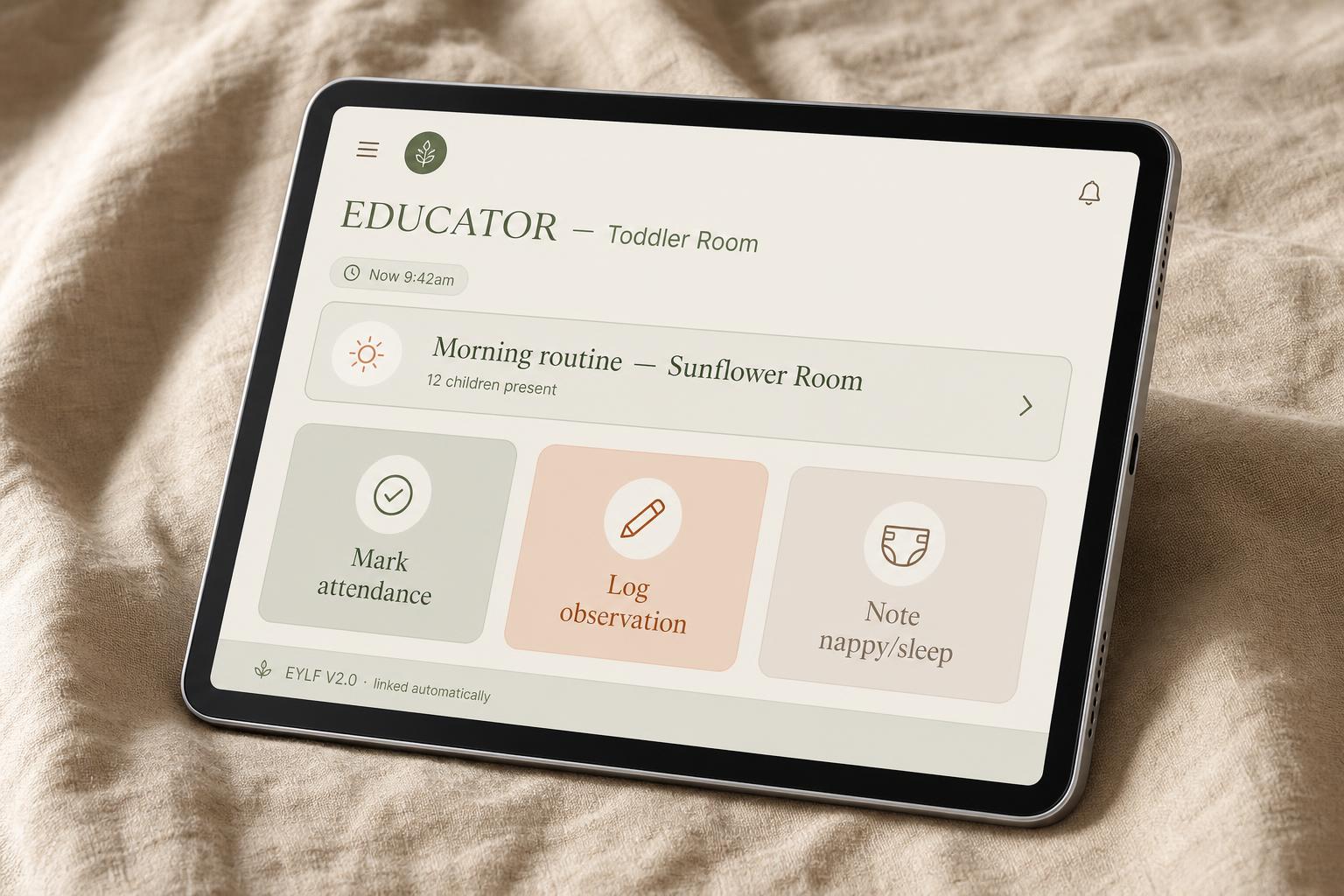
On the floor with children. The system stays out of the way until it's needed — then it's two taps, in context, never off-floor.
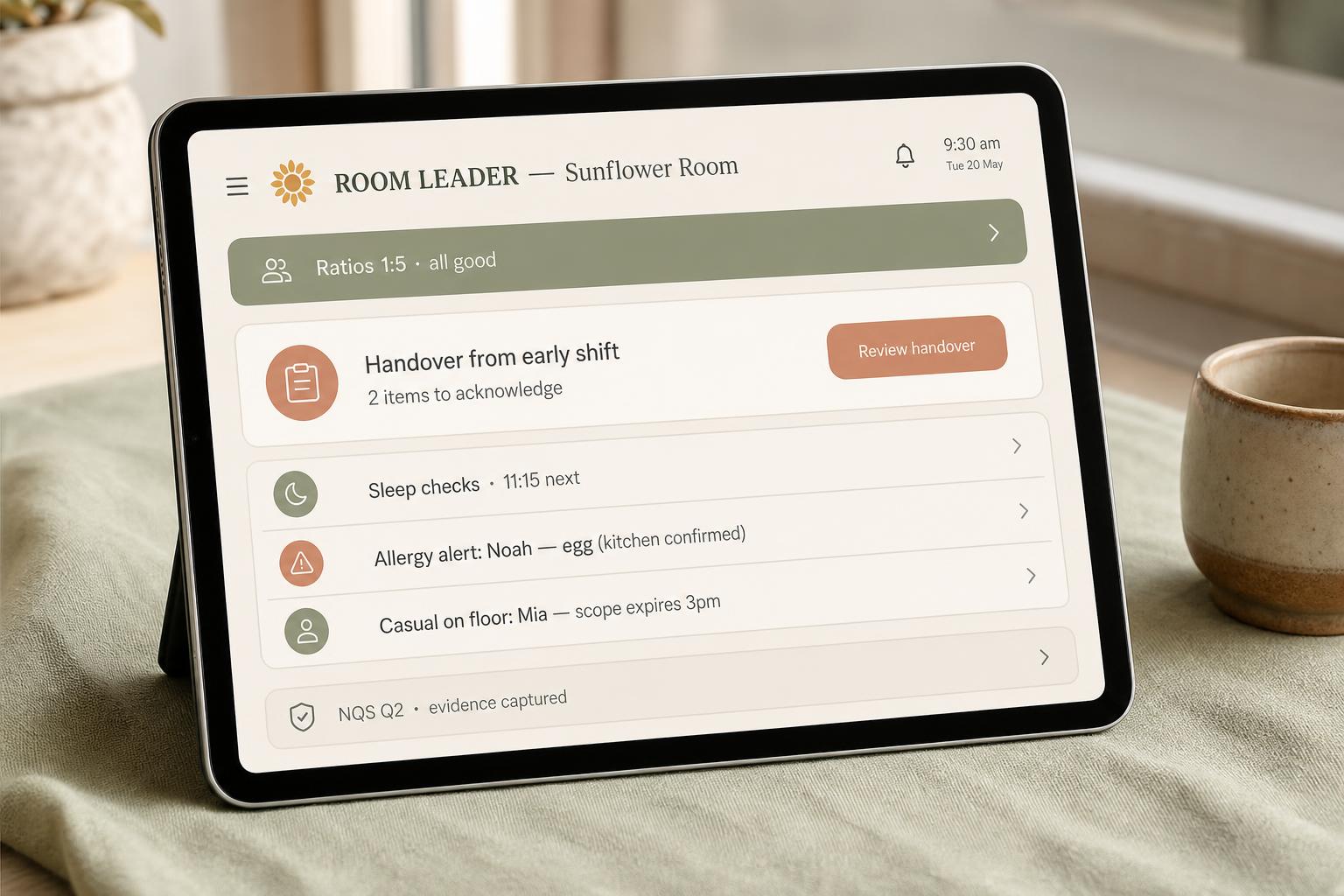
Coordinates the day's rhythm — staff in room, ratios, handovers, and the room's open loops. Light coordination, not surveillance.
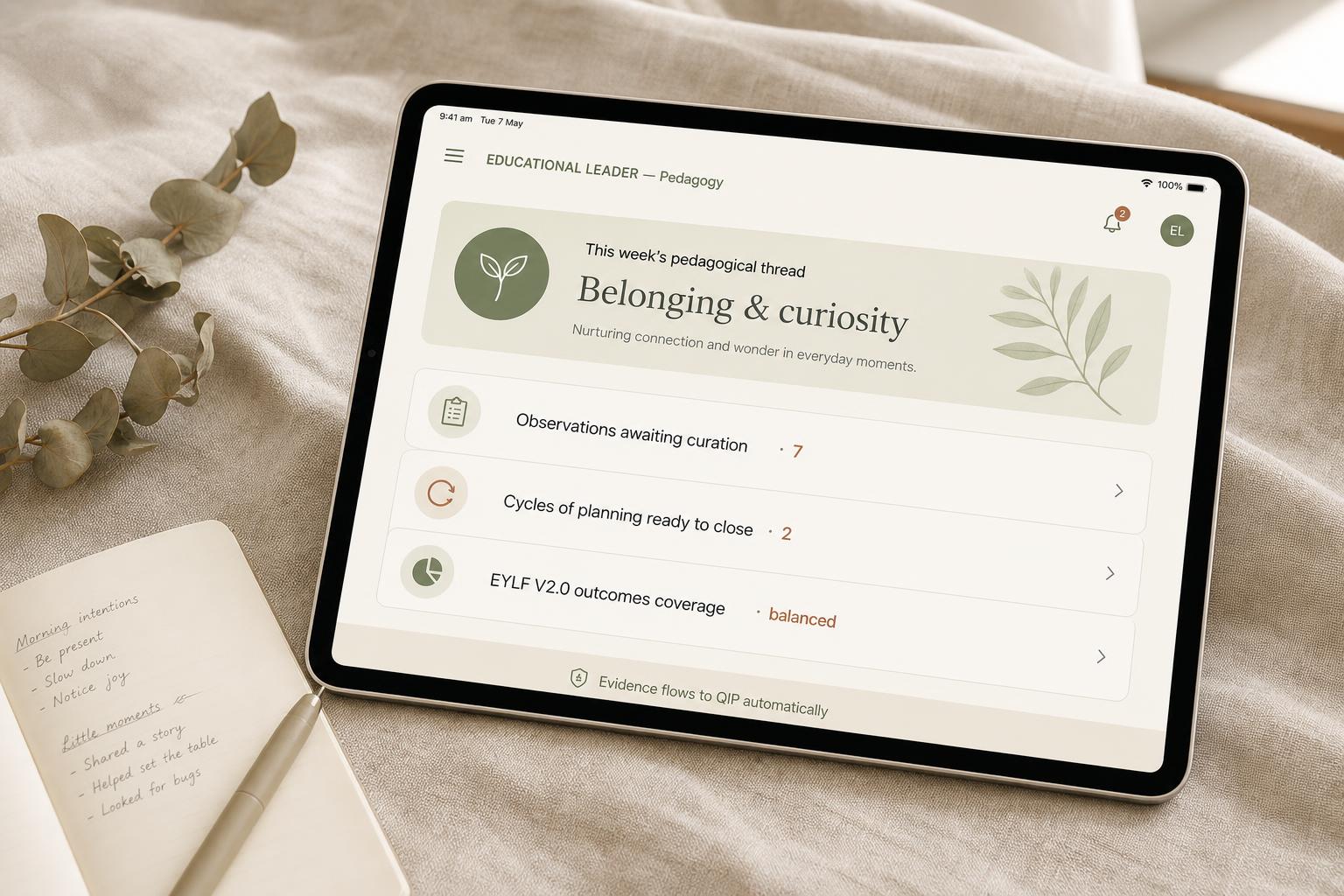
Holds the pedagogical thread across the centre. Sees patterns and learning cycles — not raw documentation about individual children.
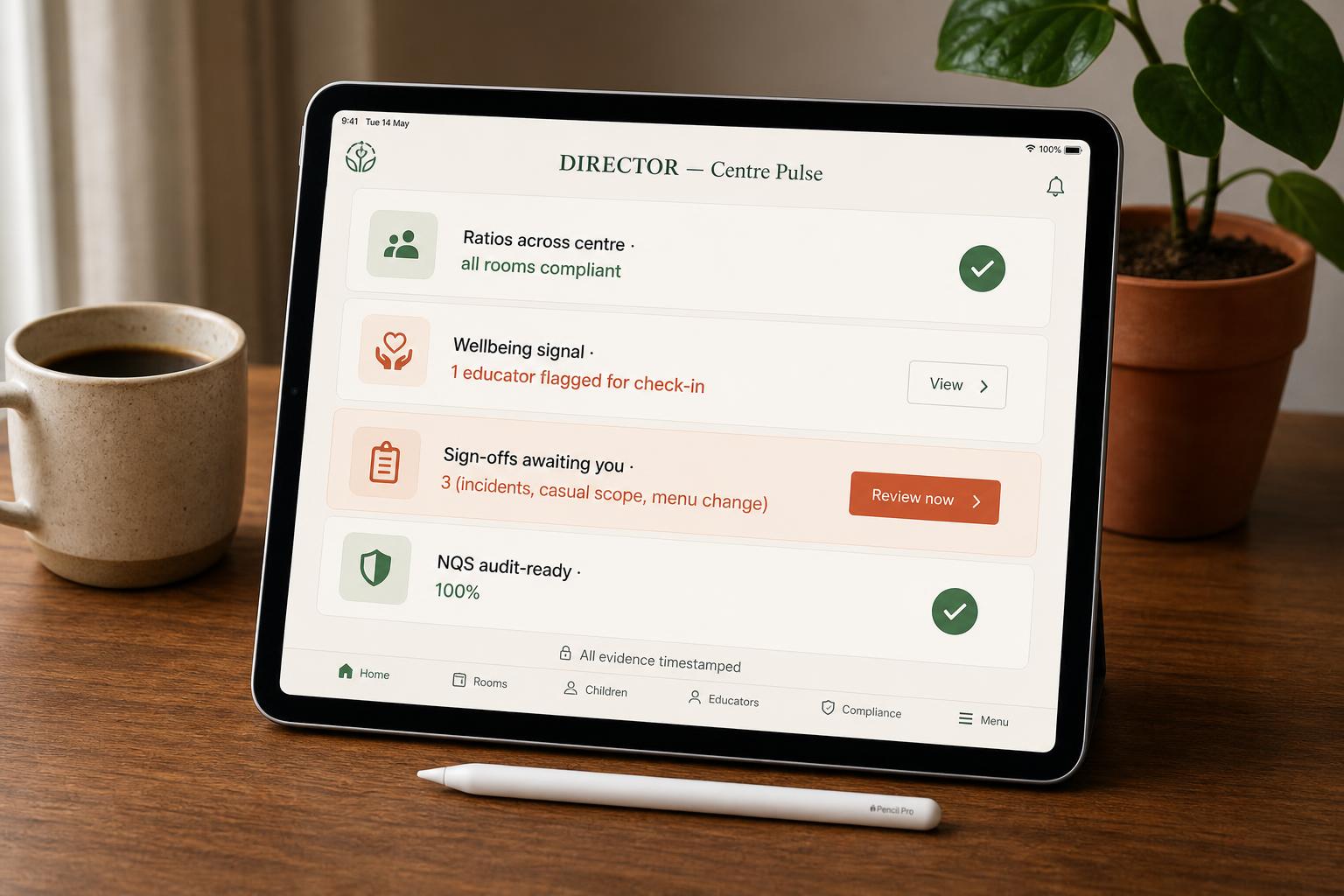
Calm operational oversight of the whole centre. Sees pulse, signals, compliance — not raw documentation about individual children.
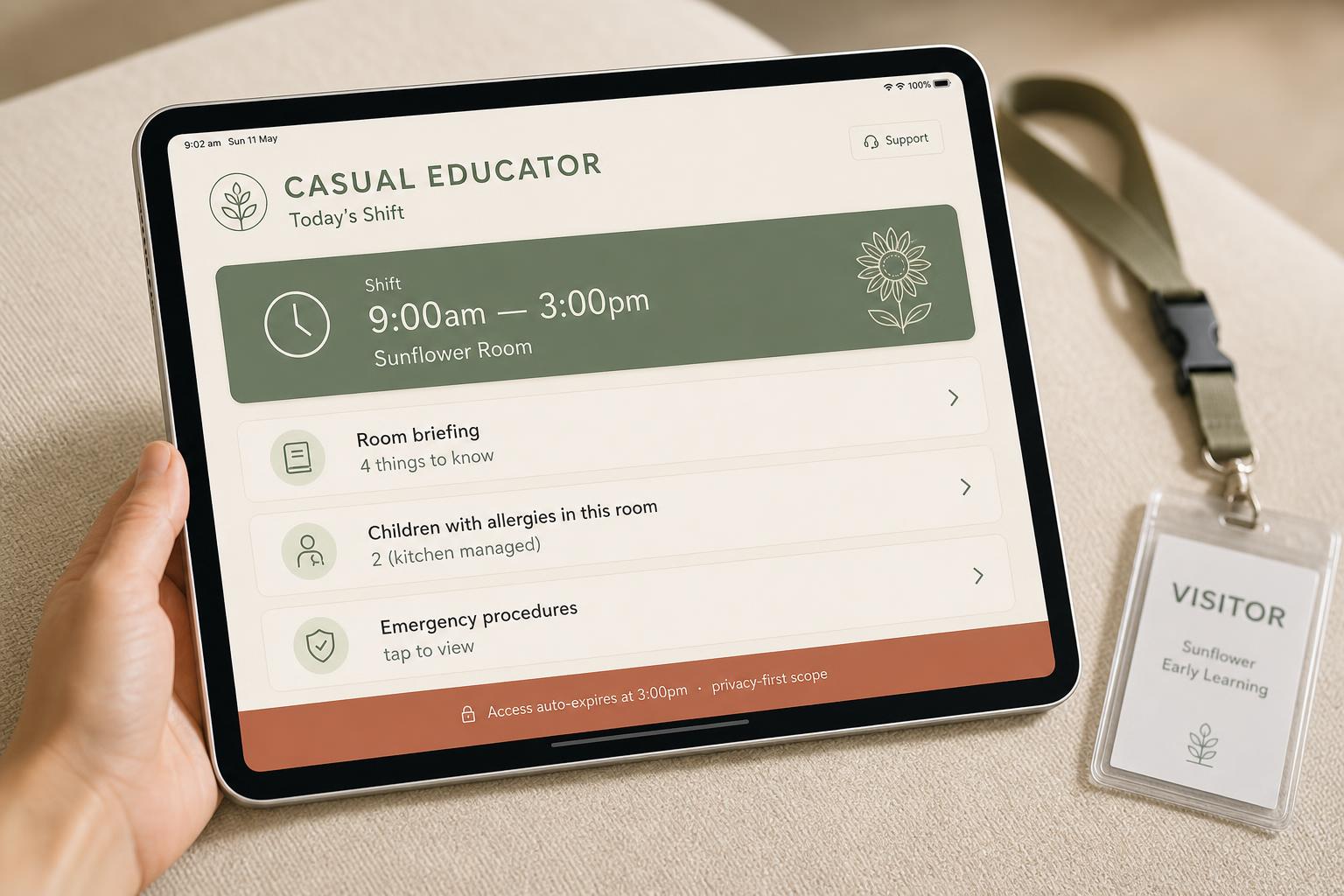
Arrives, finds the room, supports the day. Access is time-bound to the shift — when the shift ends, scope expires automatically.
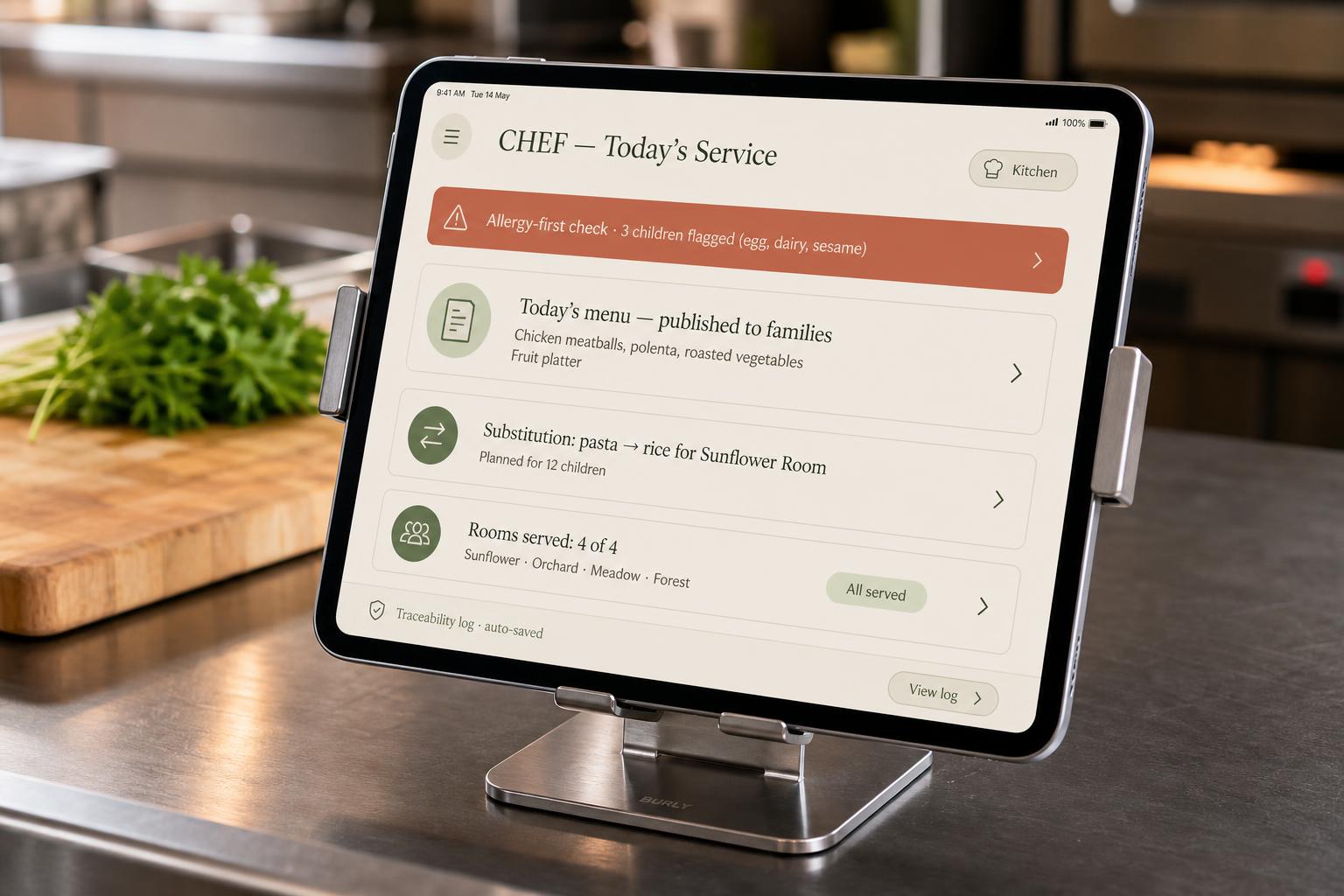
Kitchen and dietary safety are not an afterthought — allergies are first-class data, surfaced everywhere food meets a child.
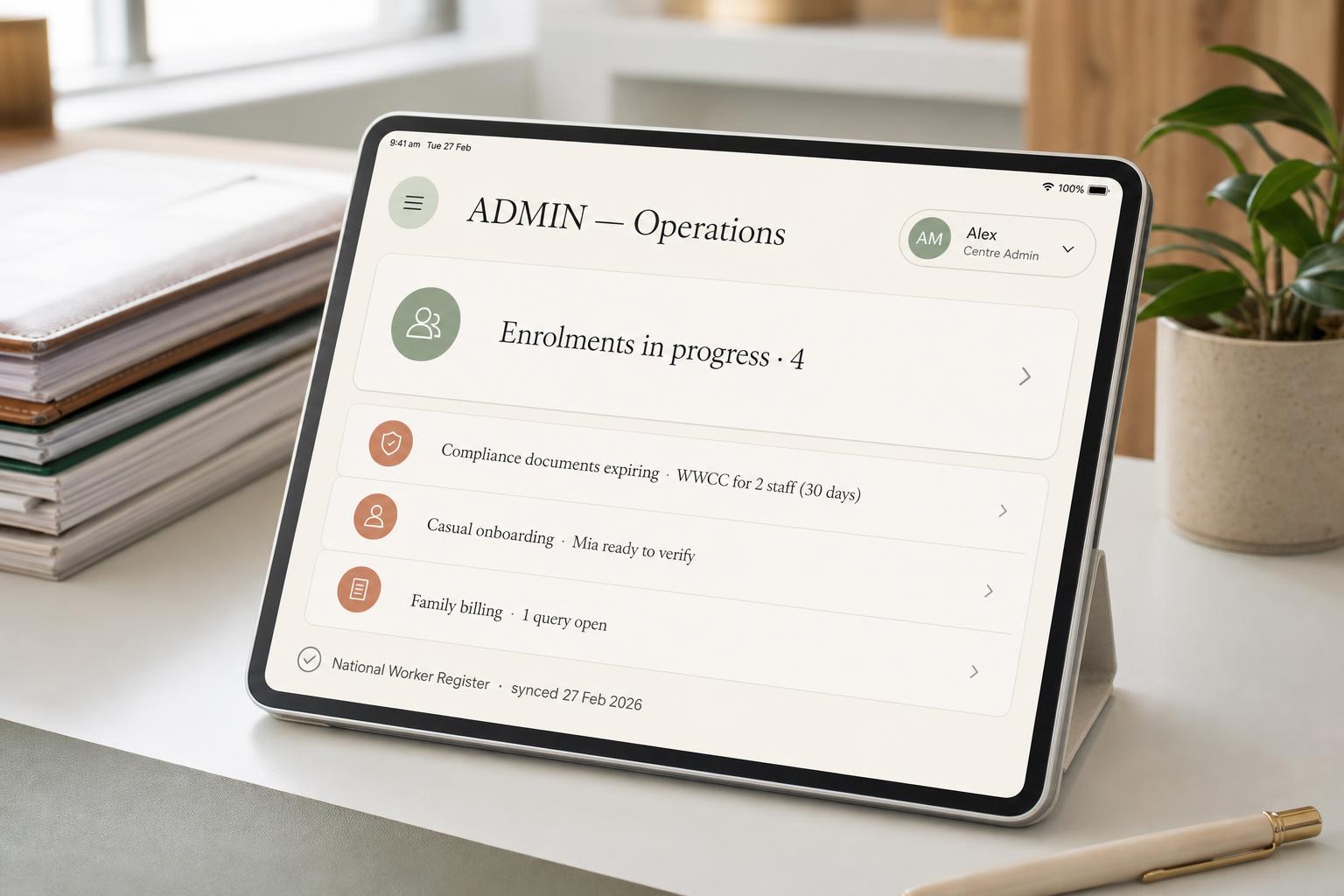
Workflows, not surveillance. Enrolments, billing, compliance documents, casual onboarding — kept separate from pedagogy and floor work.
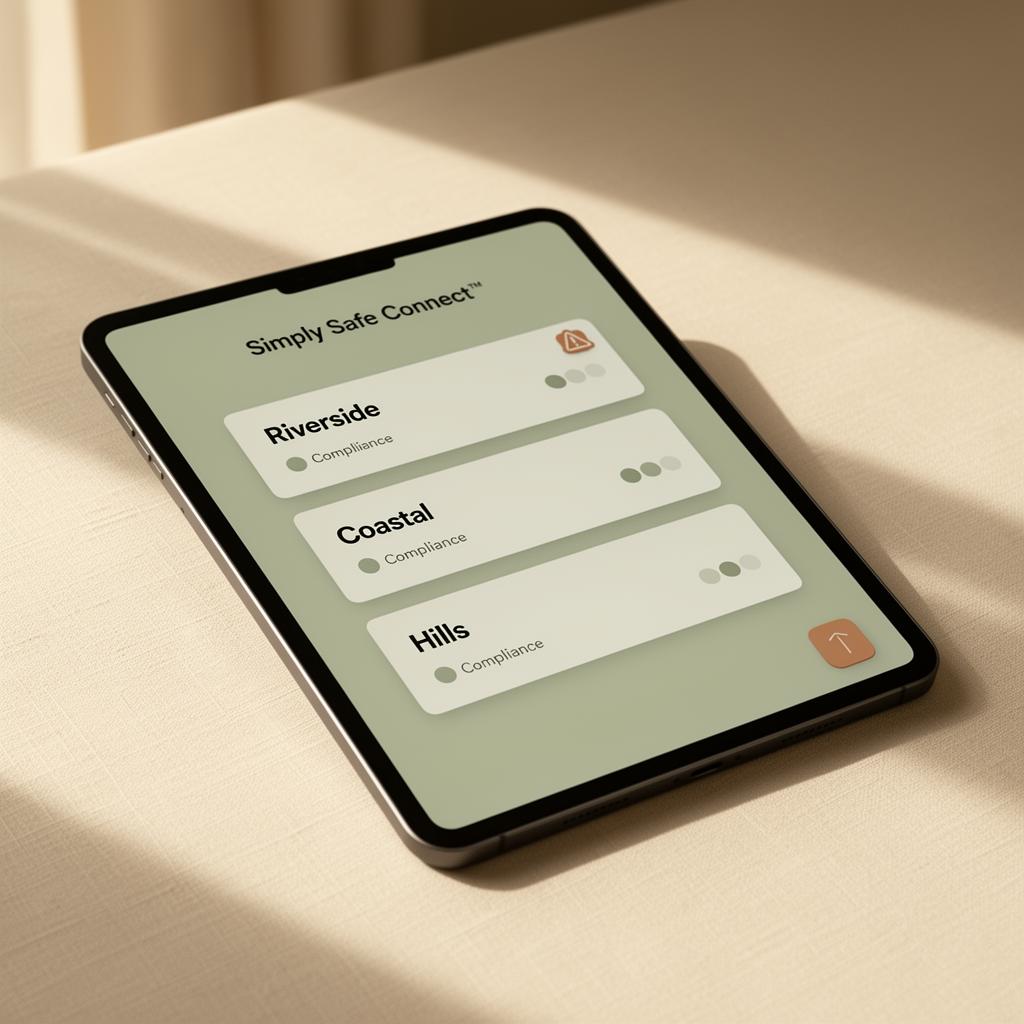
Calm oversight across every centre under your approval — pulse, compliance horizon and risk signals, never raw documentation about individual children.
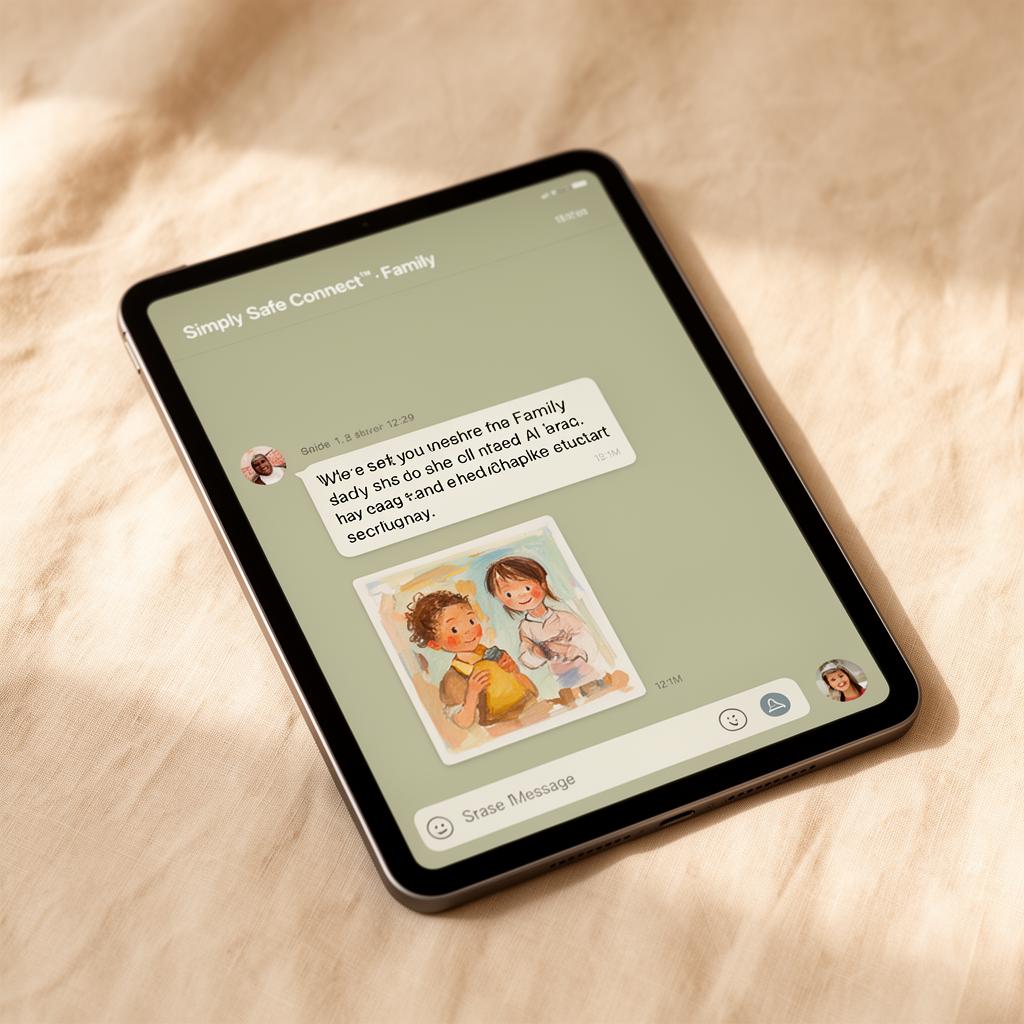
One calm thread about your child — not a feed, not a surveillance camera. Real moments, real words, in plain English.
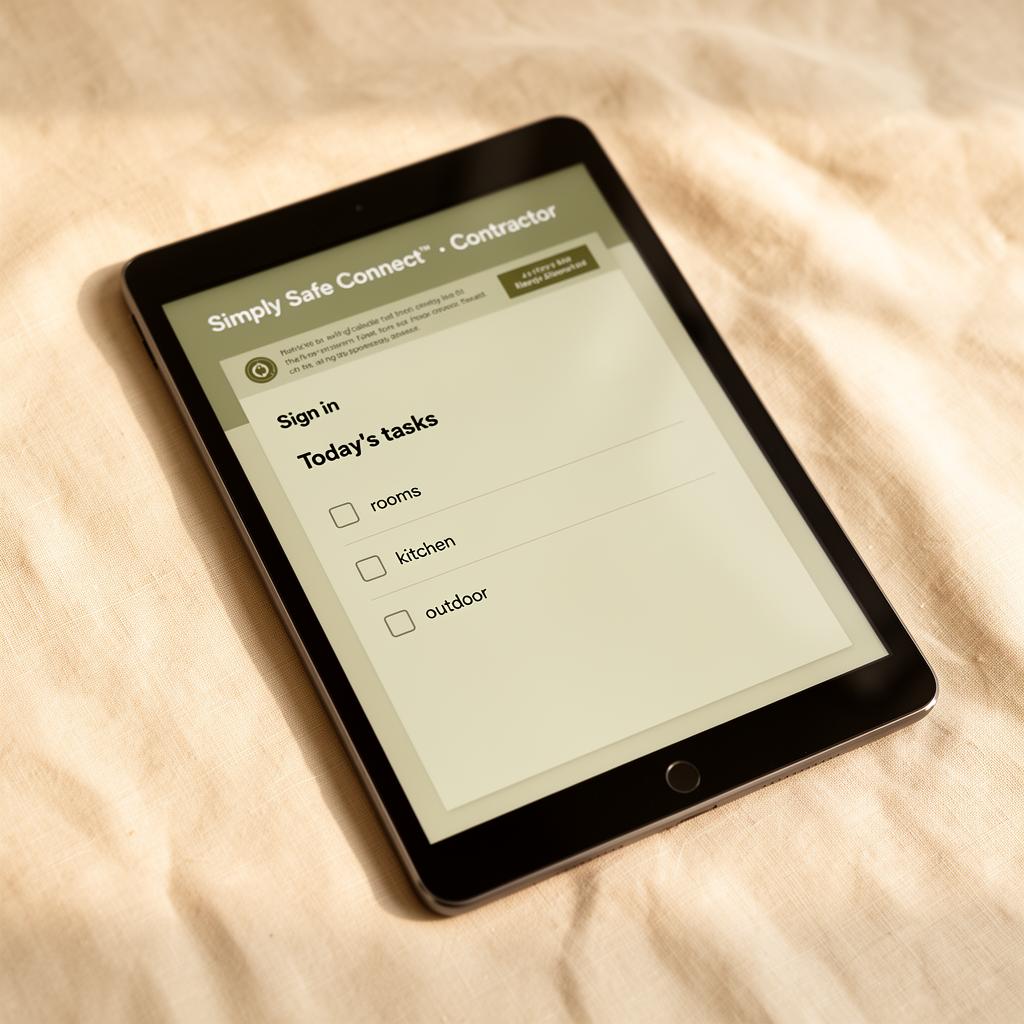
A simple checklist of what needs doing, where and when. No child information, no documentation, no surveillance — just clean, signed, audit-trailed work.
Eight roles. One philosophy: see only what serves your work.
Access is shaped by responsibility, not seniority. A casual on a 4-hour shift sees today's room. A director sees the centre's pulse — never raw documentation about a single child.
Their children, today's plan, observations, incidents
Floor-level. Quick capture. Minimal taps.
Ratios, planning, room handover, staff in room
Light coordination. Day rhythm.
Learning cycles, observations, framework alignment
Reflective. Cross-room patterns.
Operational pulse, compliance, wellbeing, incidents
Calm oversight. Aggregated, not invasive.
Bookings, families, billing, compliance docs
Workflows, not surveillance.
Allergies, dietary plans, menus, supply
Allergy-first. Always visible.
Today's room, key children info, allergies, incidents
Temporary scope. Auto-expires.
Daily moments, learning story, comms, incidents about their child
Warm. Curated. Never raw data.
Access shaped to responsibility.
A static read of who can do what across modules. The actual system also respects time-bound access — casual staff scope expires when their shift ends.
| Module | Educator | Room Leader | Ed. Leader | Director | Admin | Chef | Casual | Parent |
|---|---|---|---|---|---|---|---|---|
| Assigned Room | ● | ● | ○ | ○ | · | · | ● | · |
| All Rooms | · | · | ● | ● | ○ | · | · | · |
| Child Observations | ✎ | ✎ | ● | ○ | · | · | ✎ | ○ |
| Learning Cycles | ○ | ✎ | ● | ○ | · | · | · | ○ |
| Incidents (create) | ✎ | ✎ | ✎ | ● | · | ✎ | ✎ | · |
| Incidents (review) | · | ○ | ○ | ● | · | · | · | ○* |
| Handovers | ✎ | ● | ○ | ○ | · | · | ✎ | · |
| Rostering | · | ○ | · | ● | ● | · | · | · |
| Cleaning checklists | ✎ | ● | · | ○ | · | ✎ | ✎ | · |
| Allergies / menus | ○ | ○ | · | ○ | ○ | ● | ○ | ○ |
| Enrolments | · | · | · | ○ | ● | · | · | · |
| Compliance docs | · | ○ | ○ | ● | ● | · | · | · |
| Parent comms | ✎ | ● | ○ | ○ | ○ | · | · | ● |
| Excursions | ✎ | ● | ○ | ● | ○ | · | ○ | ○ |
| Wellbeing signals | · | · | ○ | ● | · | · | · | · |
Three role journeys.
Same system. Three very different surfaces. Each shaped to one rhythm.
- 0107:30 · Sign in → today's room loads with my children
- 0209:10 · Quick observation captured at the easel
- 0311:00 · Allergy banner visible at lunch handover
- 0413:45 · Incident form, two taps, reviewed by Room Leader
- 0515:00 · Handover note auto-prompts unfinished items
- 0616:00 · Sign out · zero off-floor admin
- 01Morning · Operational pulse: ratios green, 1 incident open
- 02Mid-morning · Wellbeing signal flags an over-extended room
- 03Lunch · Compliance window for excursion approval
- 04Afternoon · Reviews aggregated learning-cycle progress
- 05Late · Sign-off on incident outcome to family
- 06End of day · Tomorrow's roster auto-rebalanced
- 01Morning · A short, warm note from the room
- 02Mid-morning · A short written moment from the room
- 03Lunch · 'ate well, slept 11:40–12:55'
- 04Afternoon · Learning story moment added to journal
- 05If needed · Incident shared with care, never raw form
- 06Evening · One thread, not five apps